
NEW
The Deputy 8.0 v5
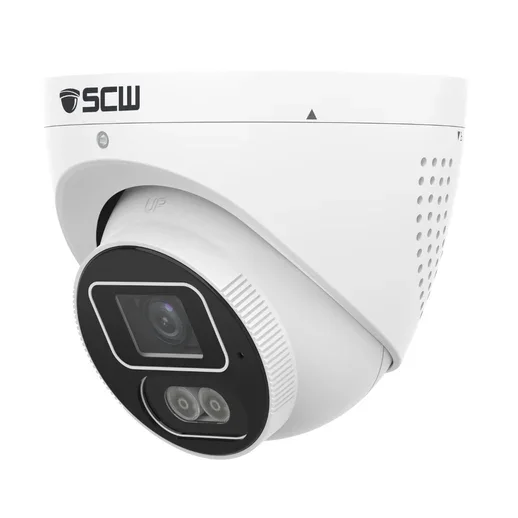
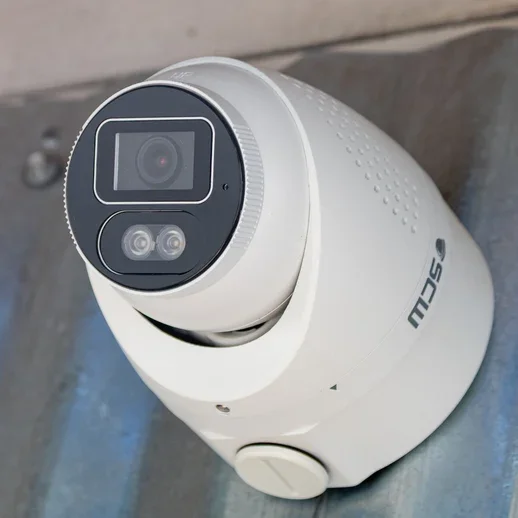
The Deputy 8.0 v5 is our latest-generation fixed lens mini turret camera, designed to be a versatile, all-purpose surveillance solution. Equipped with a 4K 30FPS sensor and a 2.8mm wide angle 98-degree field of view, the Deputy allows you to capture wide areas and still get solid details.
4K (8MP = 4x1080P) Wide Angle AI Turret Camera, Active Deterrence, Speaker and Mic
Detect: 150 ft
Recognize: 85 ft
Identify: 45 ft
camera has AI color search analytics built in.
This camera allows you to search for specific vehicle or shirts/top colors, making finding incidents easier than ever. Search for all the red shirts that appeared in front of the camera today or find all the orange cars this week all within seconds.
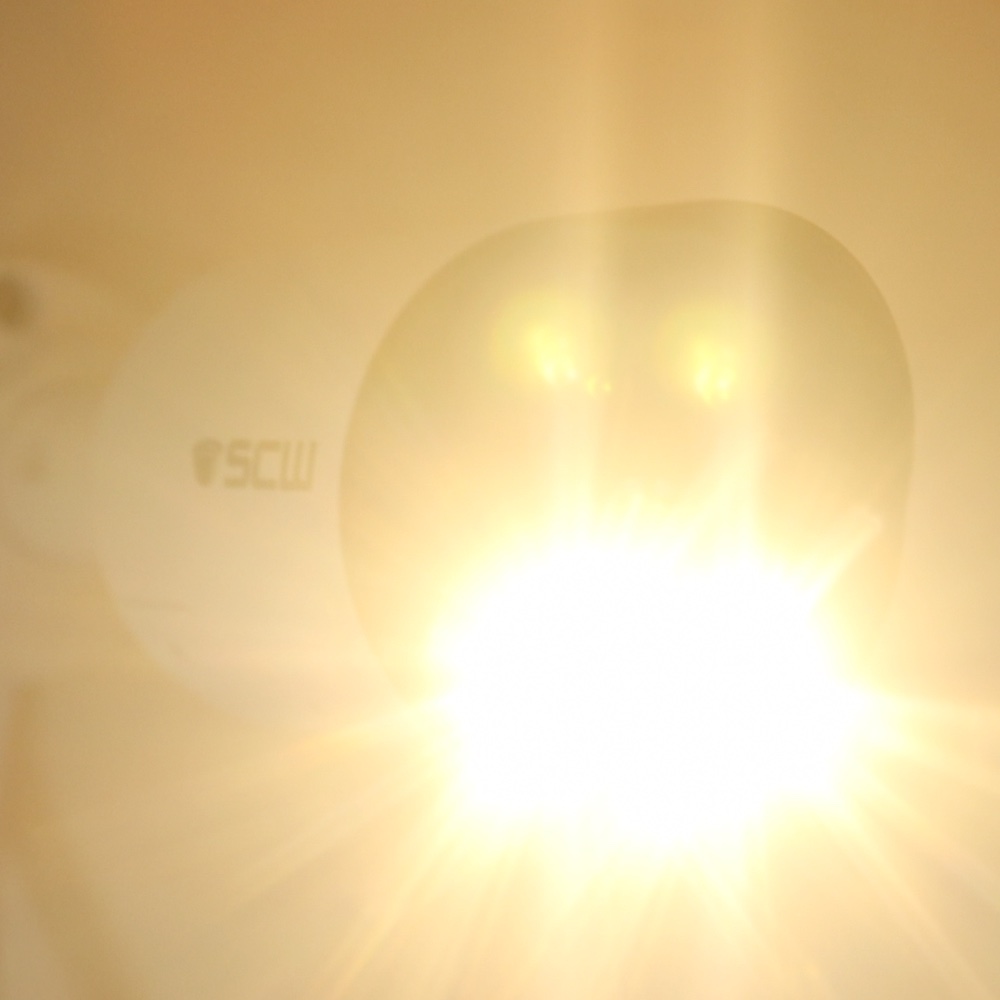
This camera has a 100FT White Light
The white light offers two unique modes. In active deterrence mode, you can set line crossing or intrusion detection to trigger the white light. During the day, the white light will flash/blink. At night mode, the white light will turn on and stay solid for a few seconds enabling color video.
The second mode is white light mode. In this mode, when the camera switches to night mode, it will use the white light instead of IR, giving you a color image. Note that the white light stays on constantly, and is not triggered on and off.
The Deputy 8.0 v4
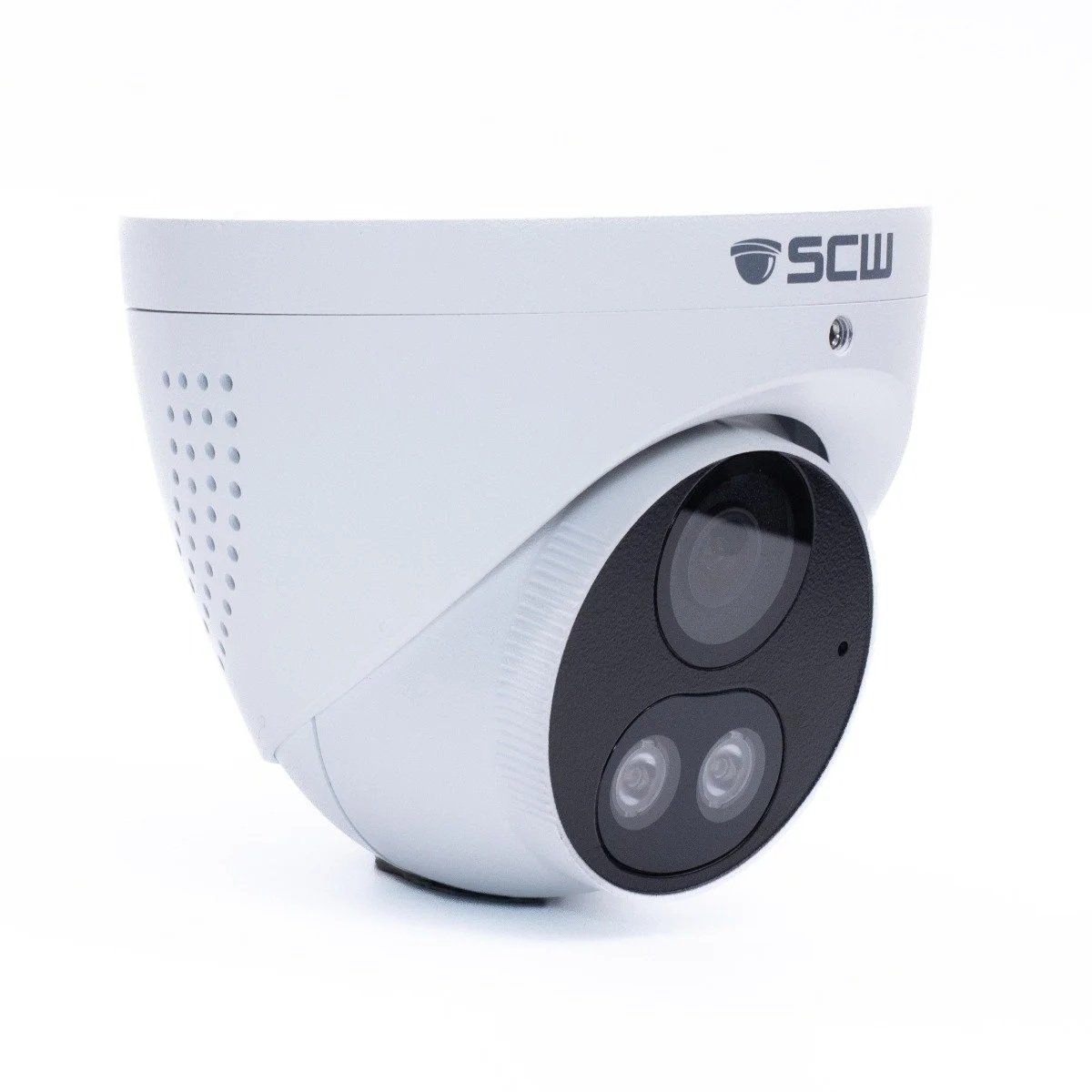
4K (8MP) Fixed Wide Angle Lens Turret Dome Camera with Active Deterrence Lights, Speaker and Mic
Detect: 175 ft Recognize: 125 ft Identify: 75 ft
Infrared night vision up to 100 ft
IR Range - Up to 100ft.
VCA / Smart Features Motion Detection, Audio Detection, Video Tampering, AI enhanced Intrusion Detection and Line Crossing with people & Vehicle detection
MicroSD Card Slot
Mounting Styles
Pole Mount
Wall Mount
Celing Mount
3-Year Warranty
This camera has an industry leading 3-year warranty. This camera can also be upgraded to a 5-year warranty. The SCW team stands behind our products 100%!
The Warrior 8.0 v3
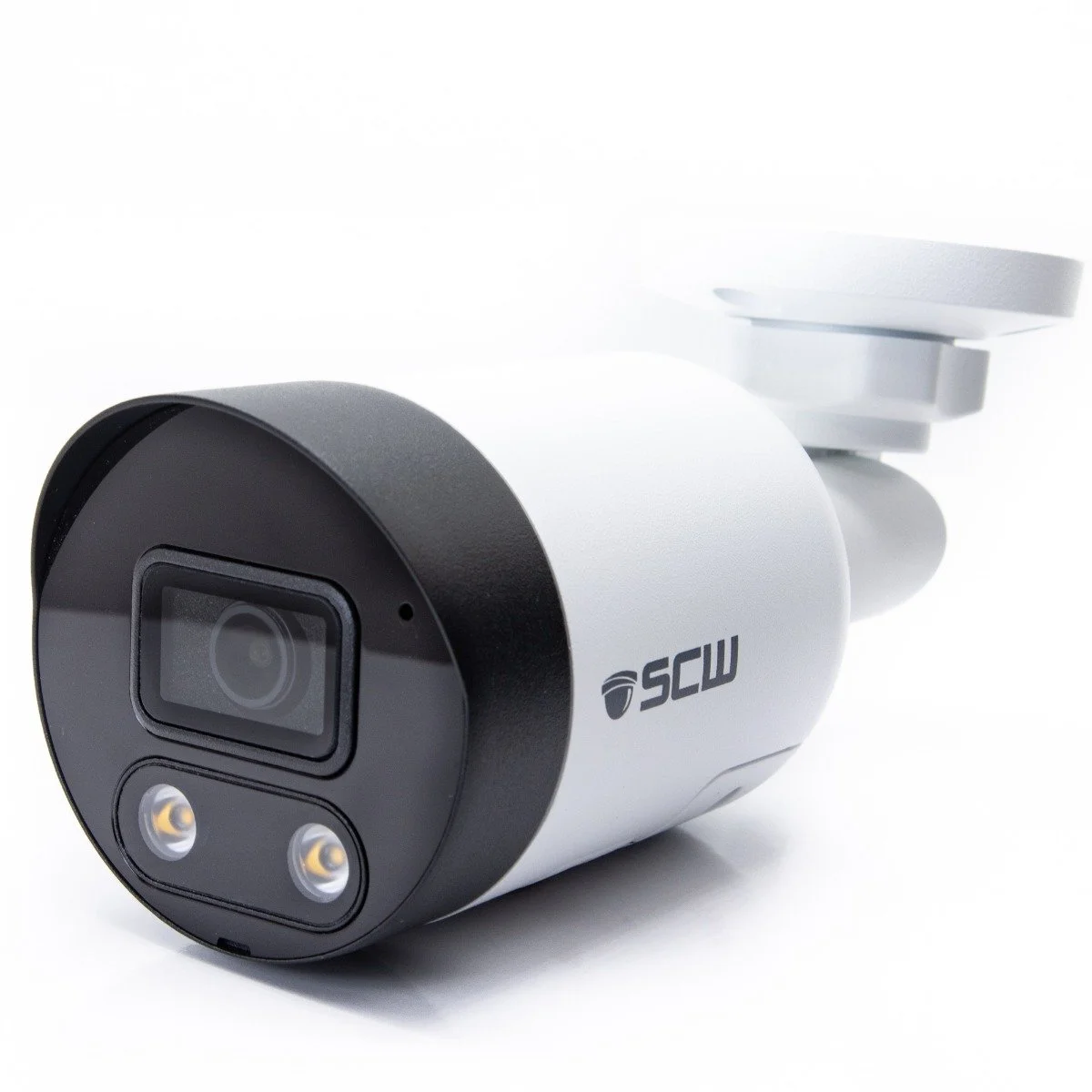
4K (8MP = 4x1080P) Fixed Lens Mini Bullet Camera, Active Deterrence Lights, Speaker and Mic
Detect: 175 ft Recognize: 125 ft Identify: 75 ft
Infrared night vision up to 100 FT
Built in Microphone and Speaker
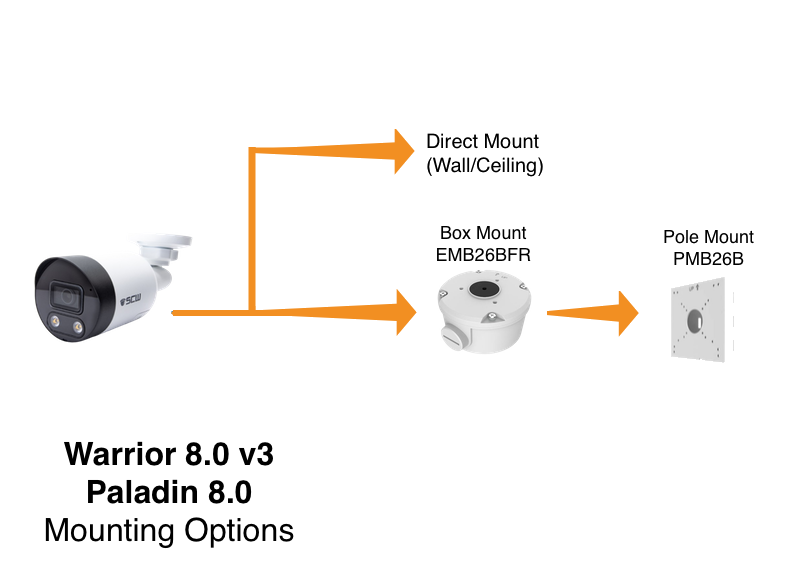
Mounting Style
Round electric Box Mount
Pole Mount
3-Year Warranty
This camera has an industry leading 3-year warranty. This camera can also be upgraded to a 5-year warranty. The SCW team stands behind our products 100%!
NVR Systems
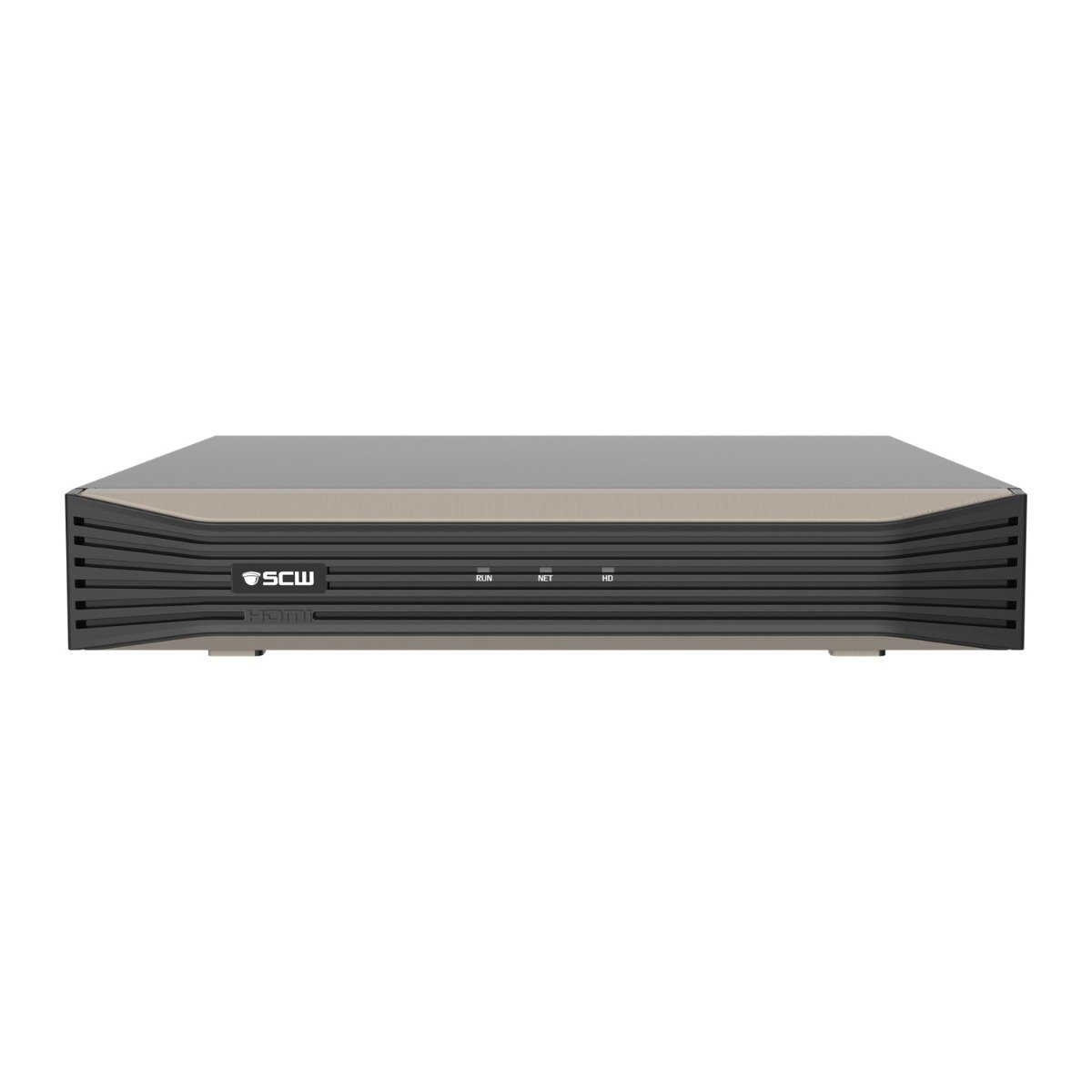
The Admiral 4 v4
4 Channel 4K PoE AI NVR with TraceSearch
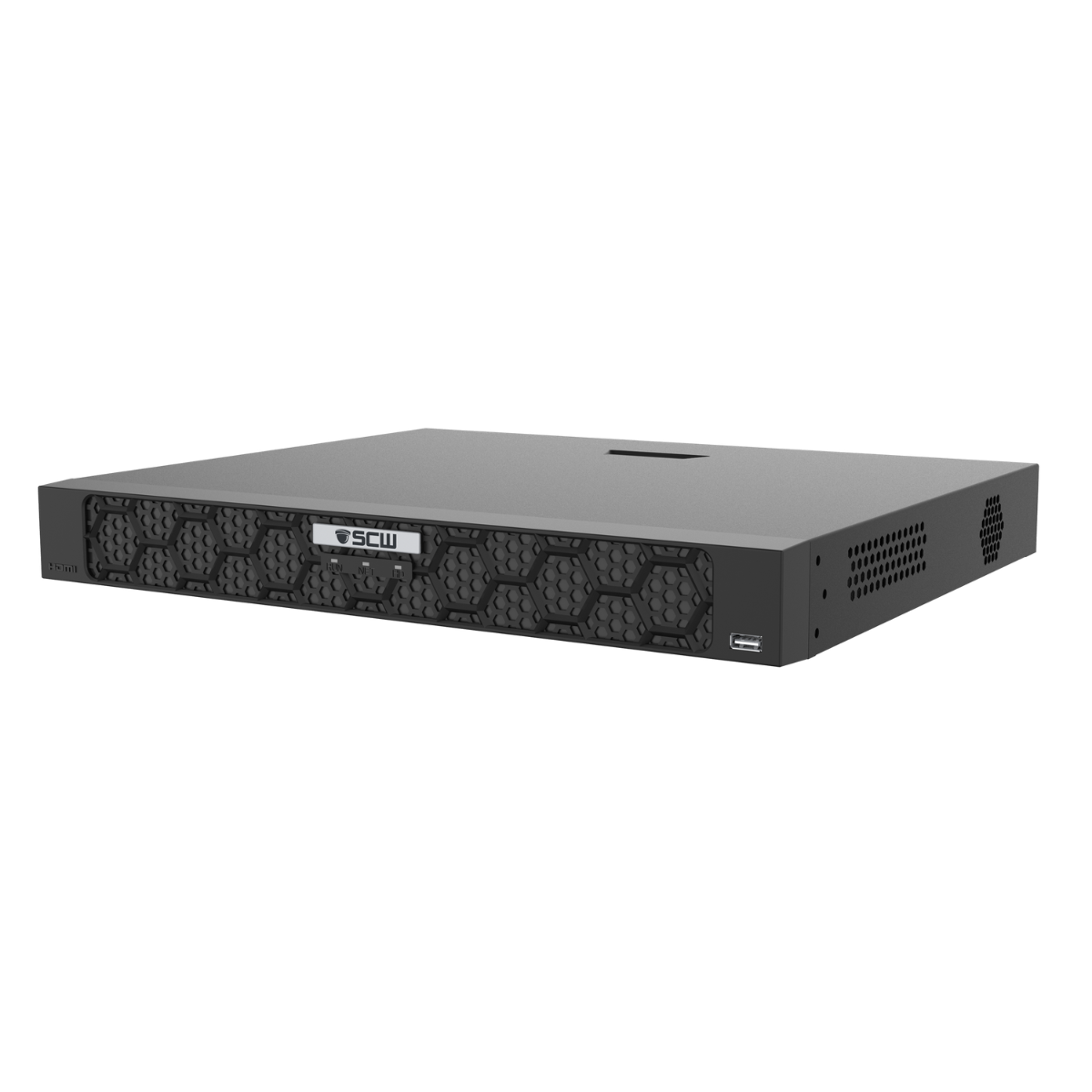
The Admiral 4 V4 is a high-quality NVR t
4 1080P cameras at 30 FPS
4 4MP cameras at 30 FPS
4 4K cameras at 30 FPS
The Admiral 8 v4
8 Channel 4K PoE AI NVR with TraceSearch

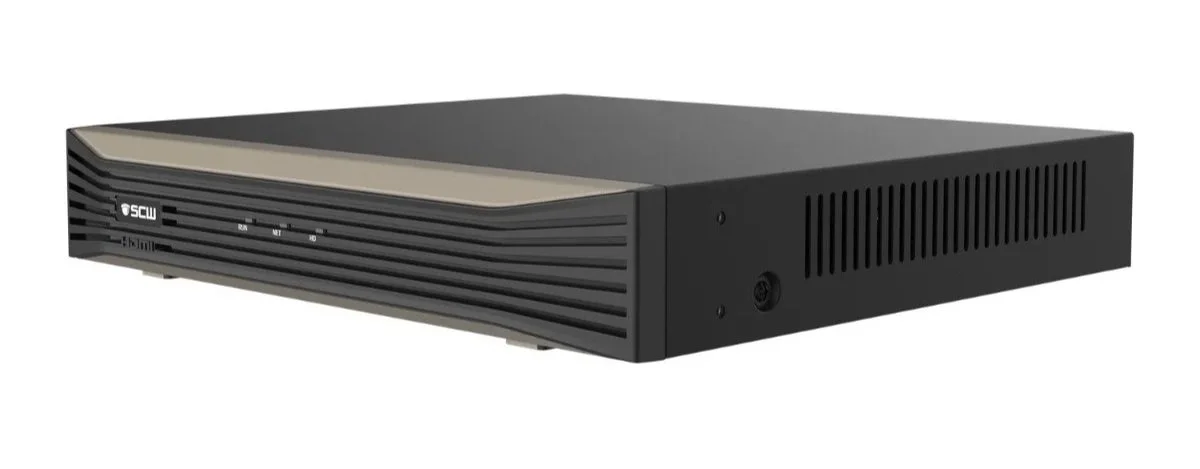
The Admiral 8 v4 is the world's most advanced 8 channel NVR!
8 1080P cameras at 30 FPS
8 4MP cameras at 30 FPS
8 4K cameras at 30 FPS
The Admiral 16 v4
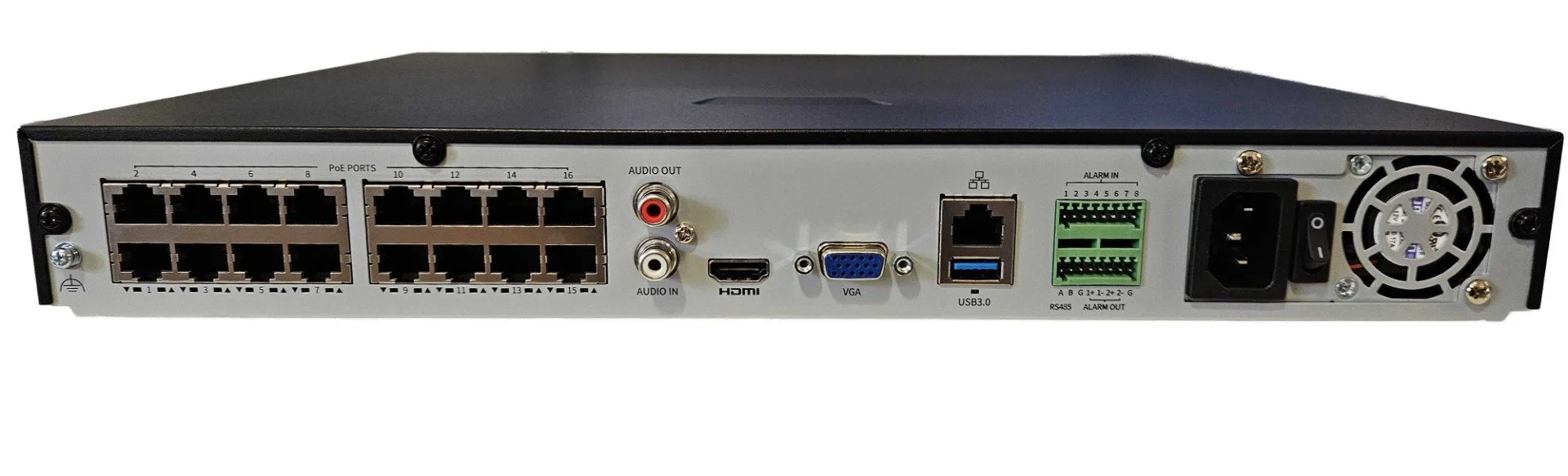
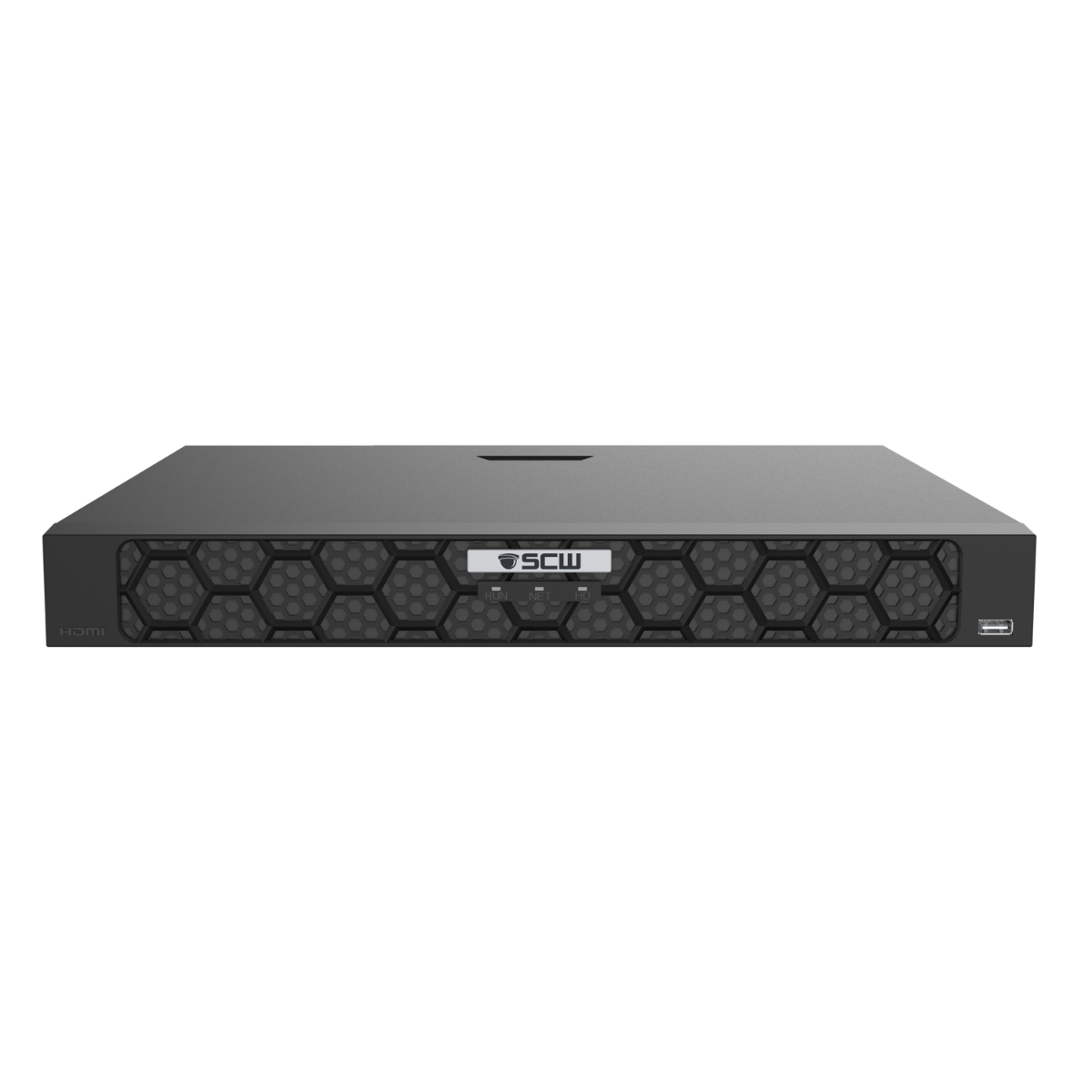
16 Channel 4K PoE AI NVR with TraceSearch
The Admiral Standard 16 Channel
2 hard drive bays - Supports RAID1
1/4 the alarm inputs
The Admiral Pro 16 Channel
4 hard drive bays - Supports RAID1 or RAID5
Twice the alarm inputs
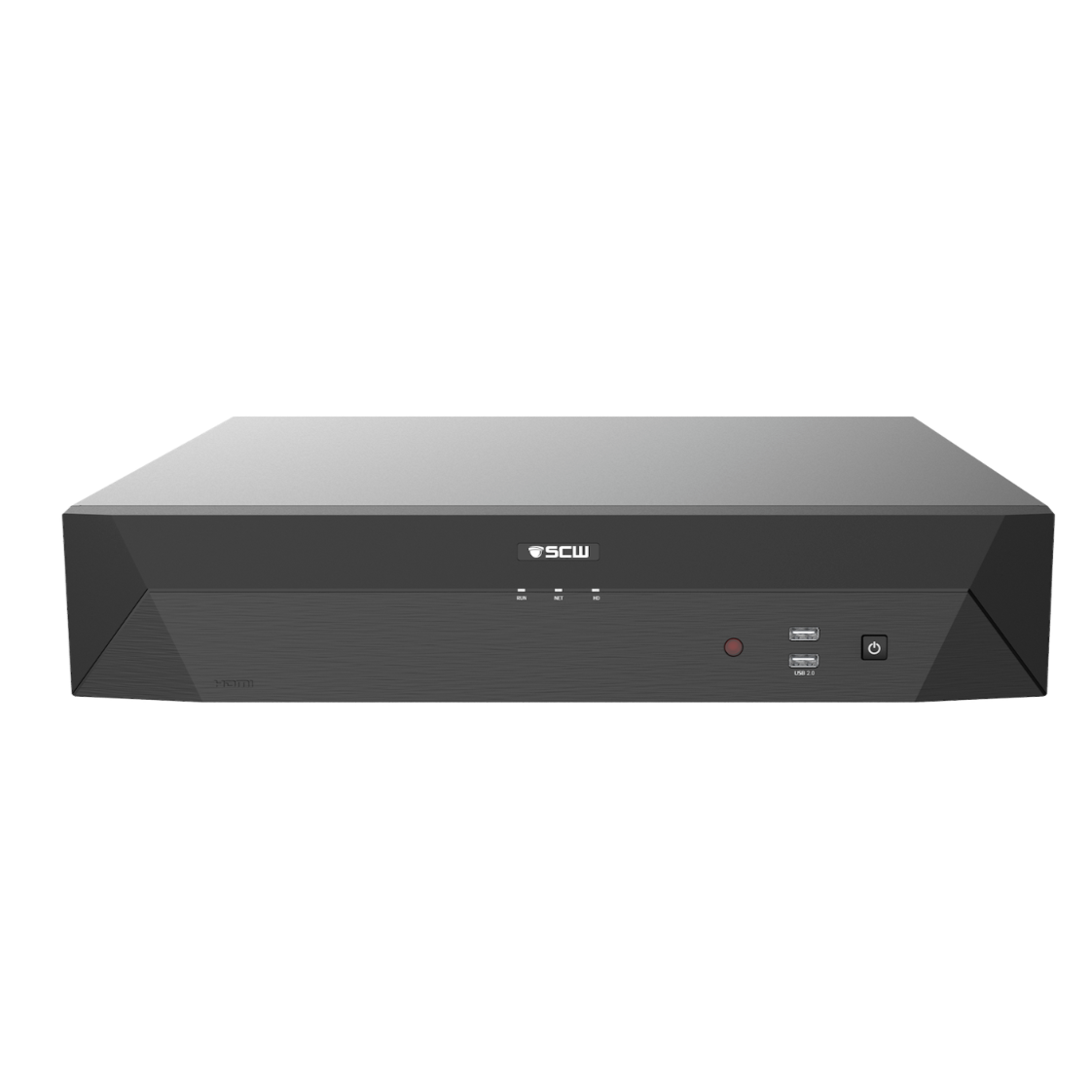
The Admiral Pro 32 v5
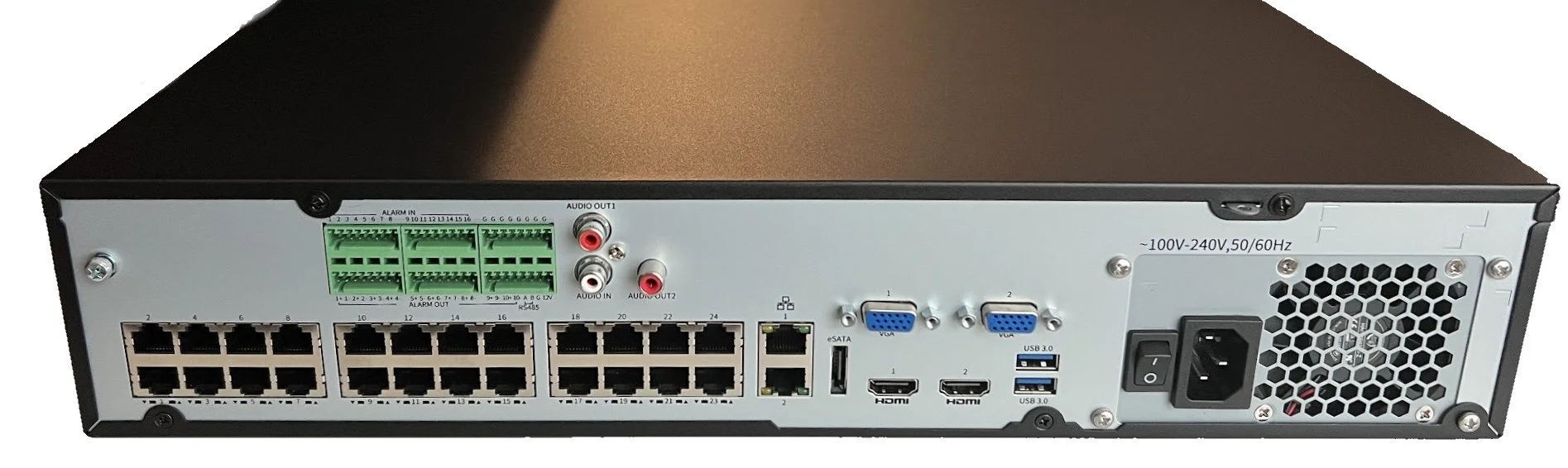
32 Channel 4K AI NVR with 24 PoE Ports, Dual LAN and TraceSearch
The Admiral Pro 32ch v5
You can connect up to 24 cameras directly to the NVR, keeping them fully isolated from your main LAN. This best-practice design improves bandwidth efficiency, security, and overall system reliability. Cameras 25-32can be connected through an external PoE switch to the NVR’s second LAN port, maintaining the same network isolation and protection.
SCW Viewstation
Desktop
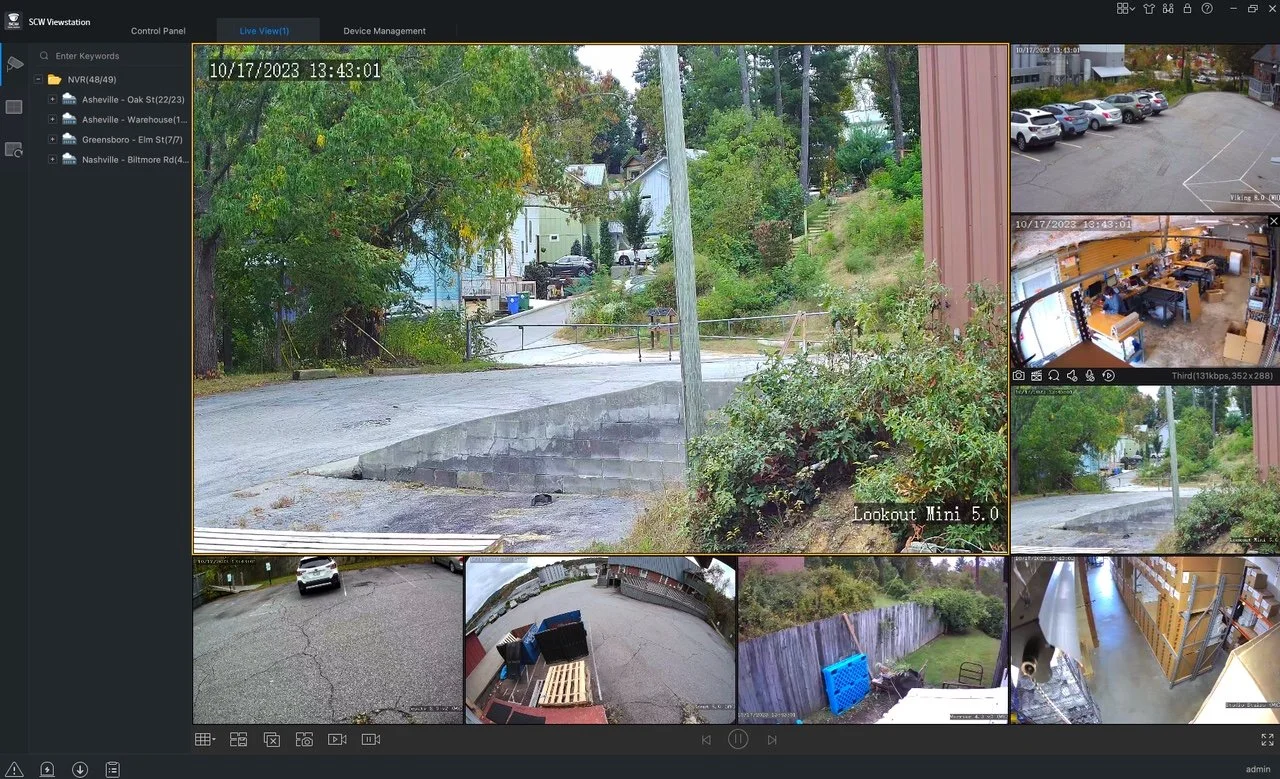
SCW Desktop Multi Location
allows you to view your locations easily on one centralized platform - up to 16 live view cameras
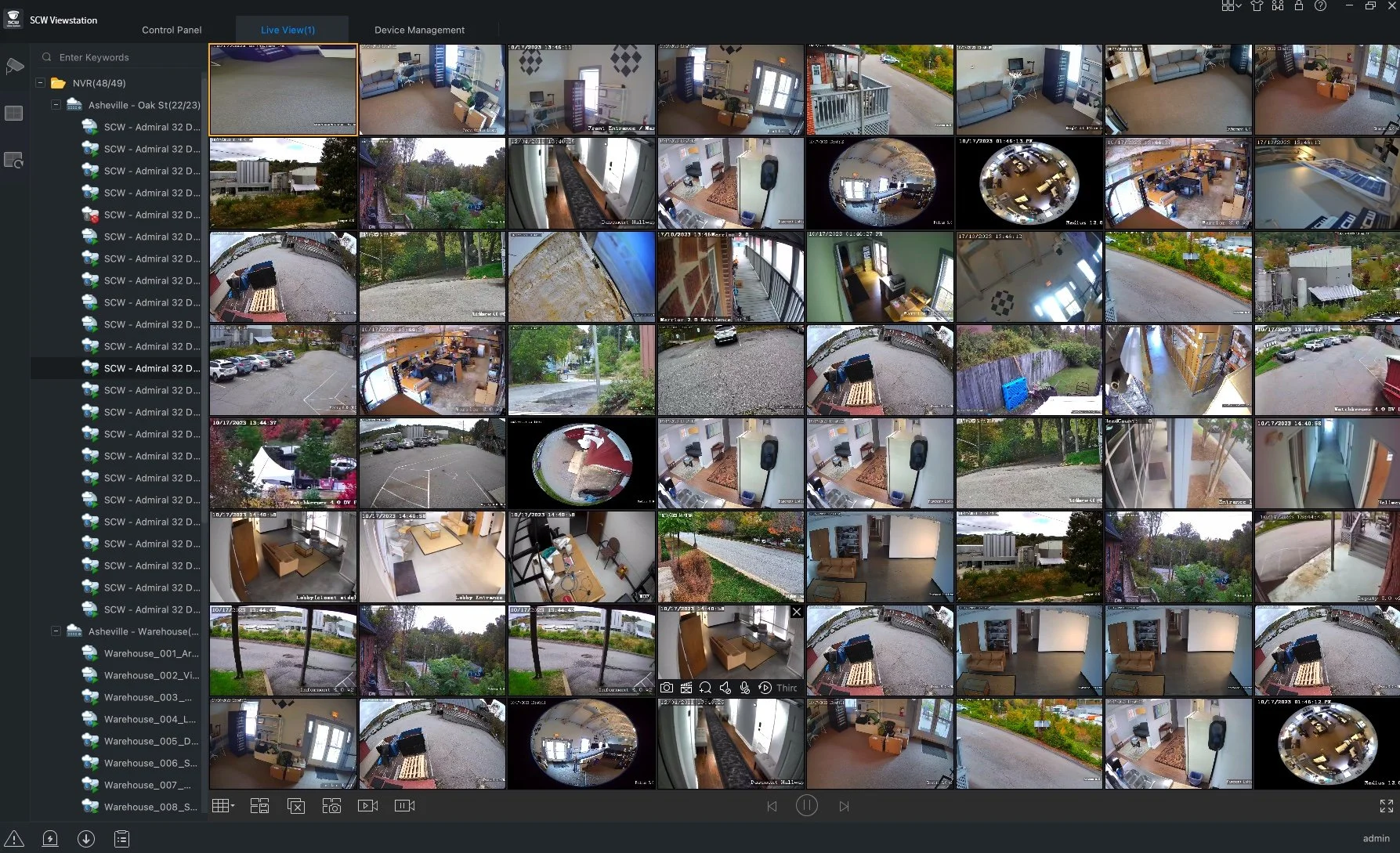
SCW Desktop
Live View
Live view feature, you can view up to 64 simultaneous live streams and custom views.
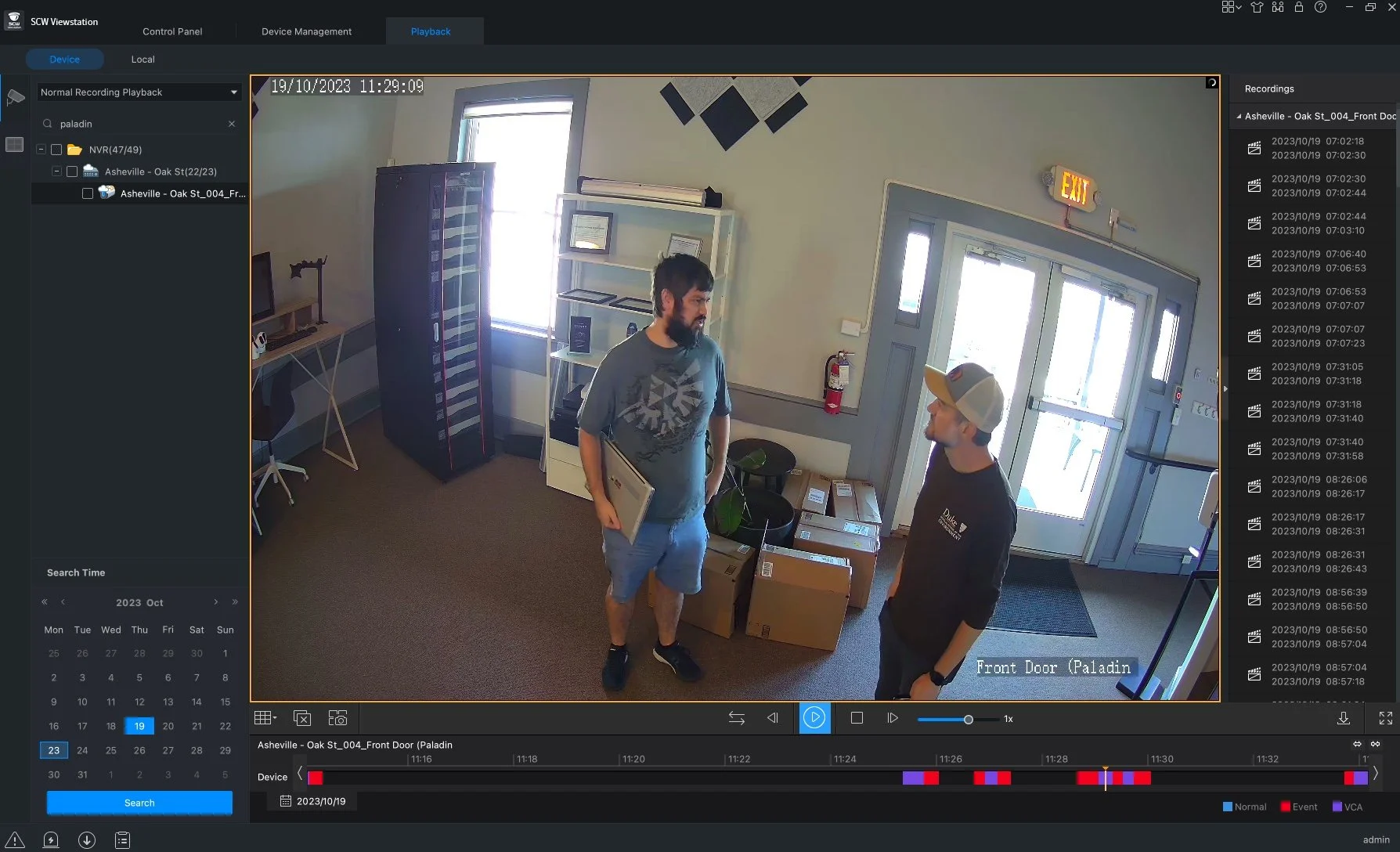
SCW Desktop Playback
Smart search is available for all playbacks. Simply select the camera you want to playback and select the date and hit ‘search’. Smart search allows you to pick items or people in the frame and focus on any related movements. Seaches are not limited to objects, faces, people or vehicles.
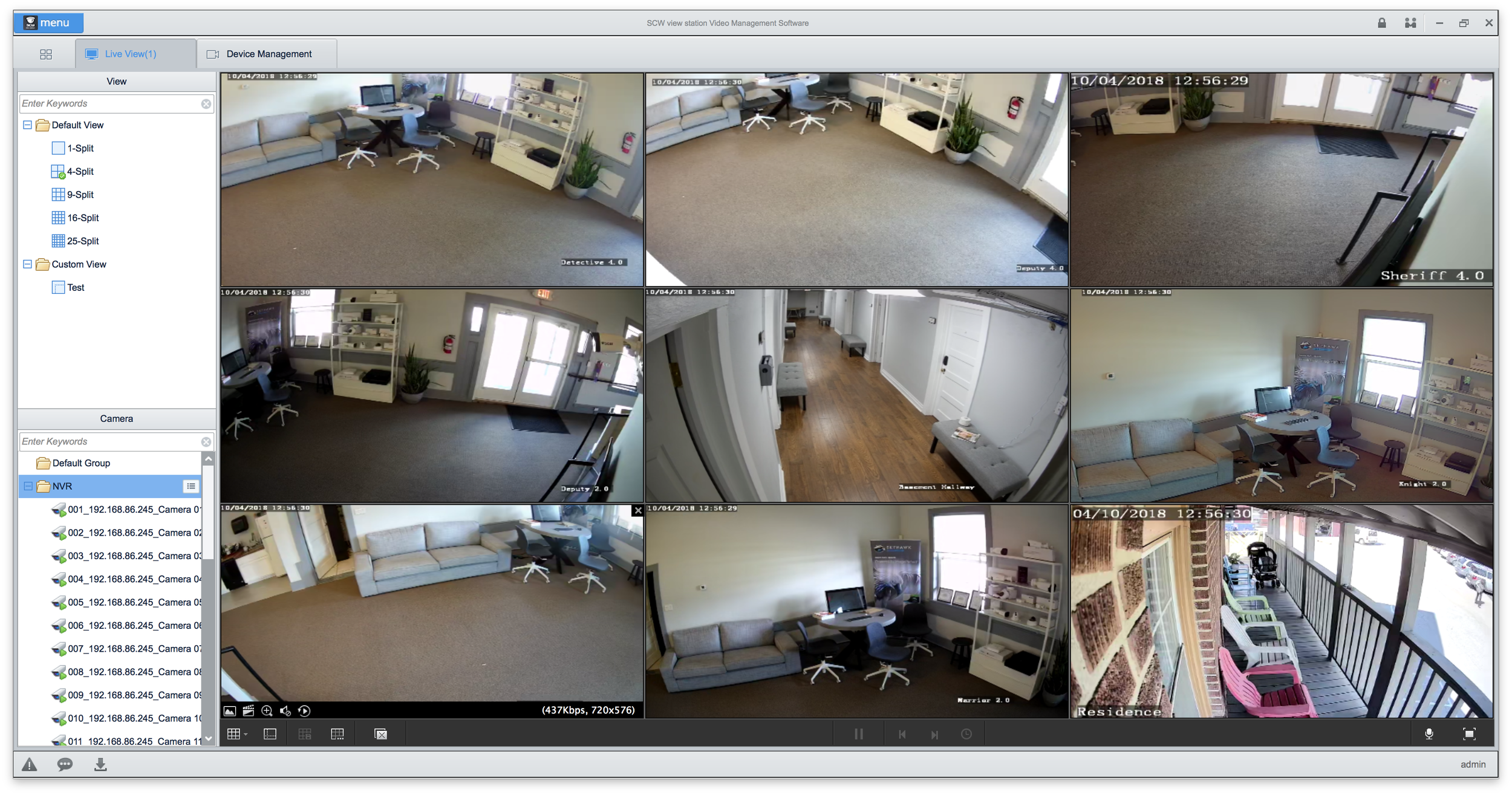
SCW Desktop
You can scale all views. Software is completely free. Software lets you use up to 62 different devices and up to 512 channels. ALL FOR FREE
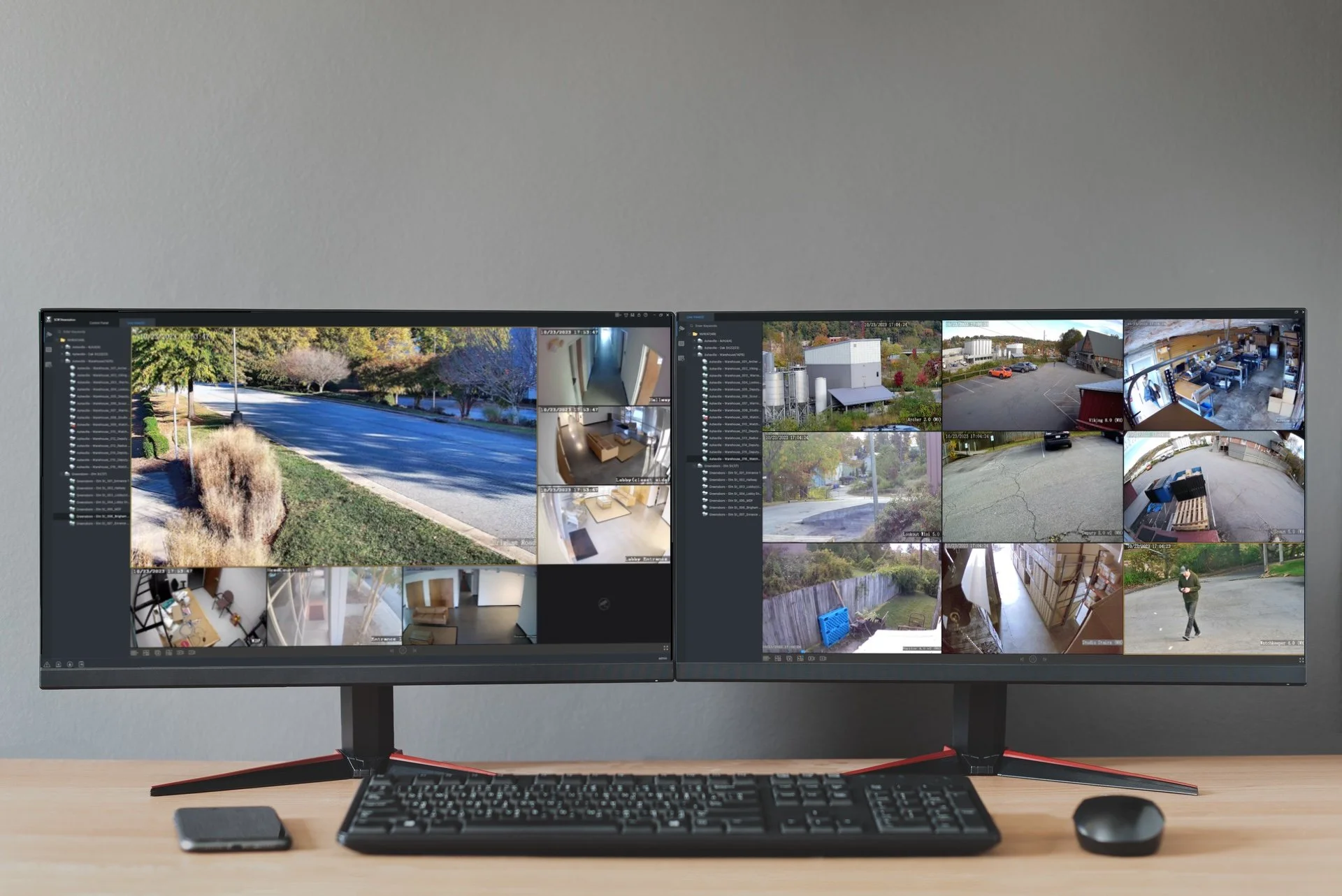
SCW Desktop Viewstations
Live view allows you to view up to 64 simultaneous live streams, as well as custom views.
Download the software for your PC below.
Mobile App Interface
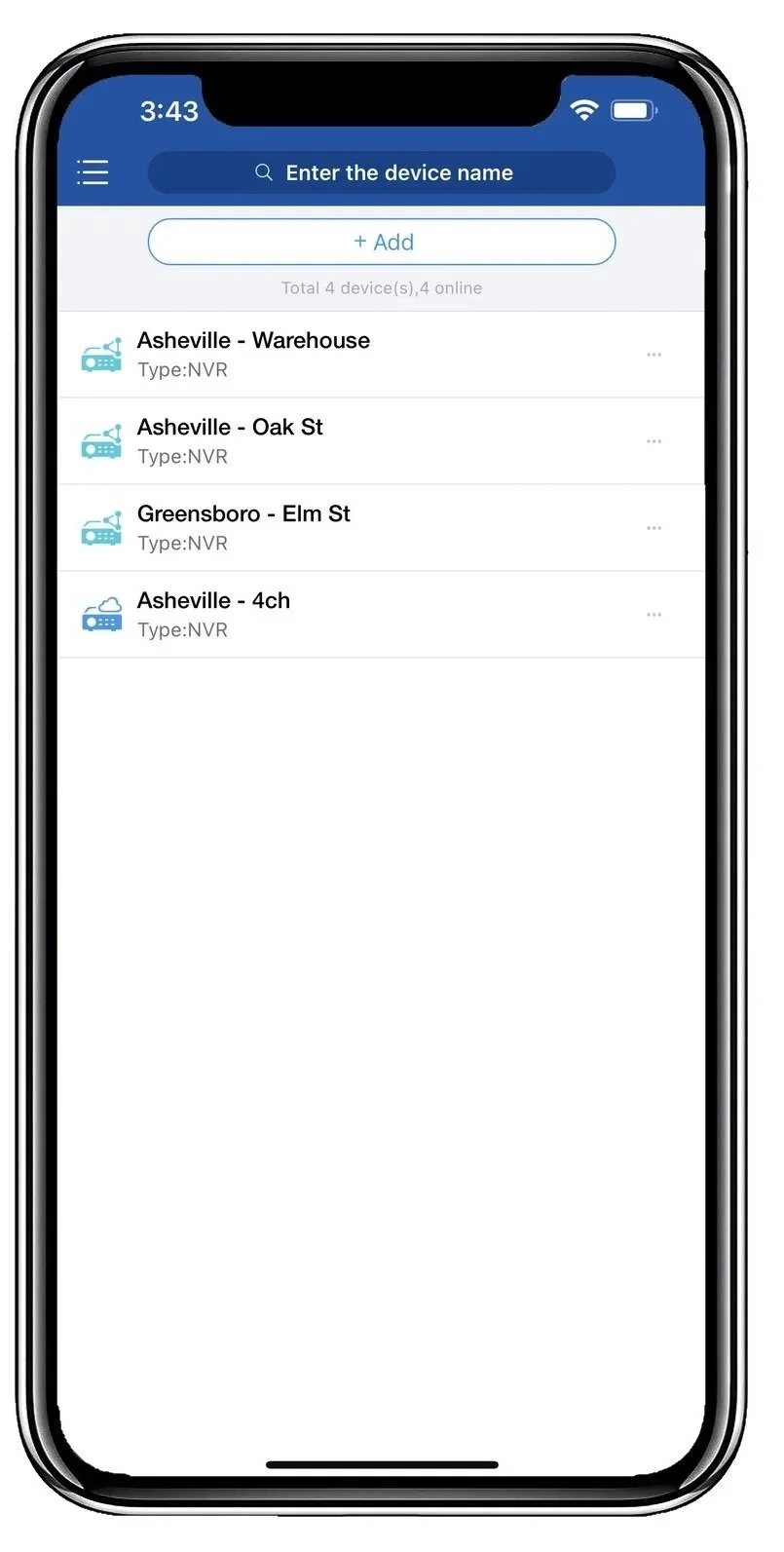
Multi- System - SCW Go
allows you to view all your locations on the go. The capability of viewing up to 16 cameras live view and saved view.
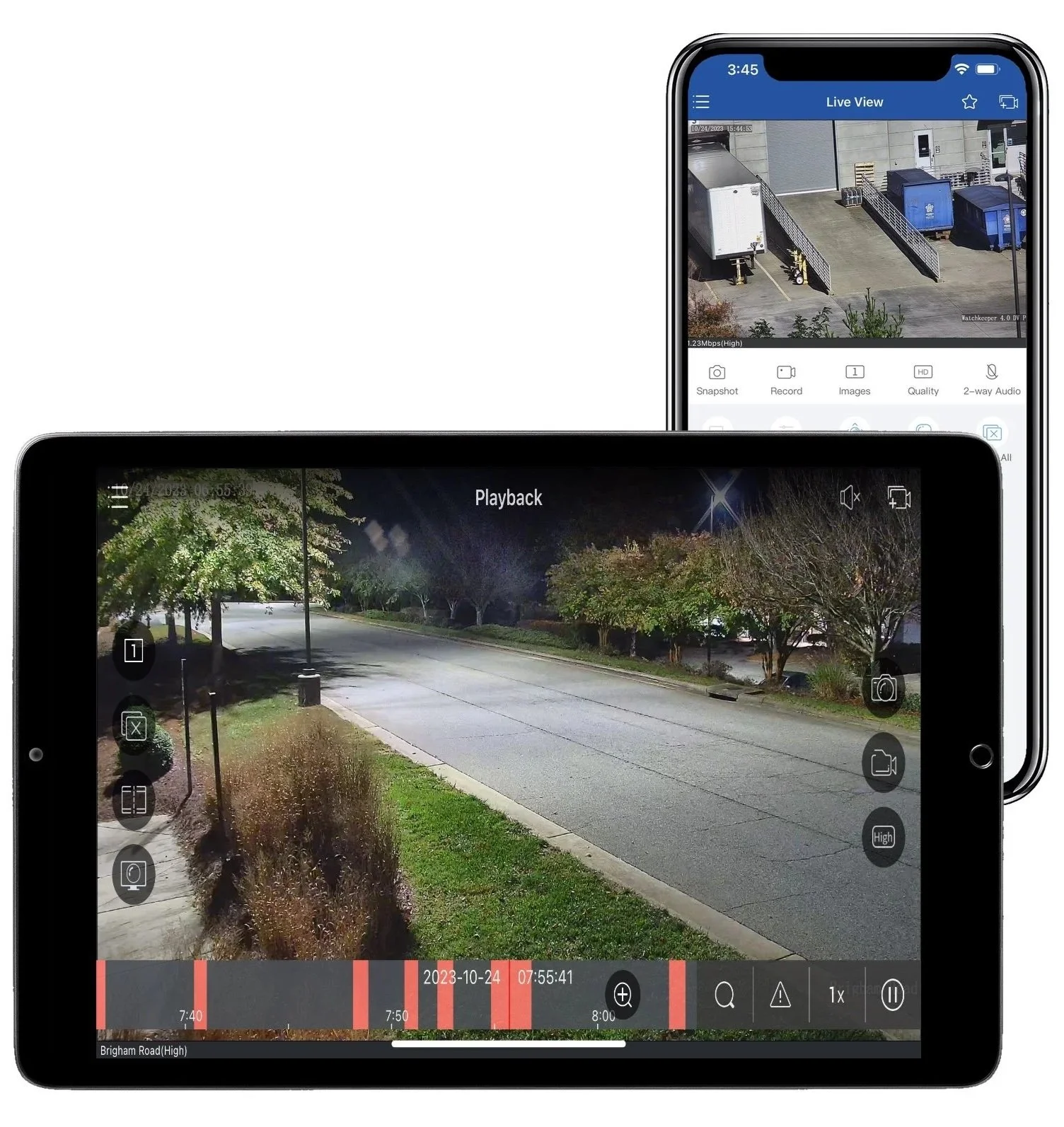
Multi-Platform -
App works with iPhones and iPads, as well as Android Phones and Tablets.
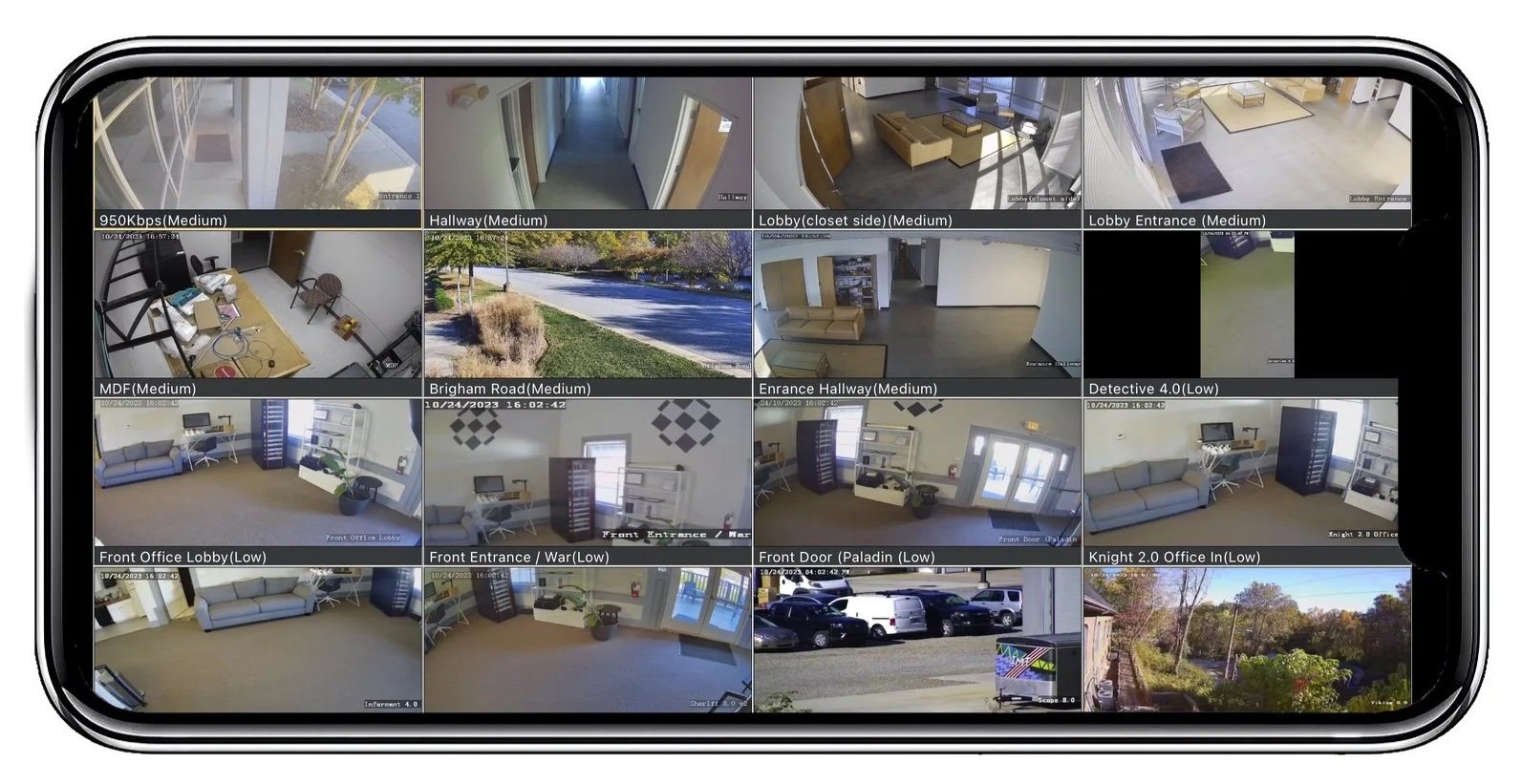
SCW Go - on the Go
View up to 16 cameras live and use saved view to access them faster. Playback and exports available.
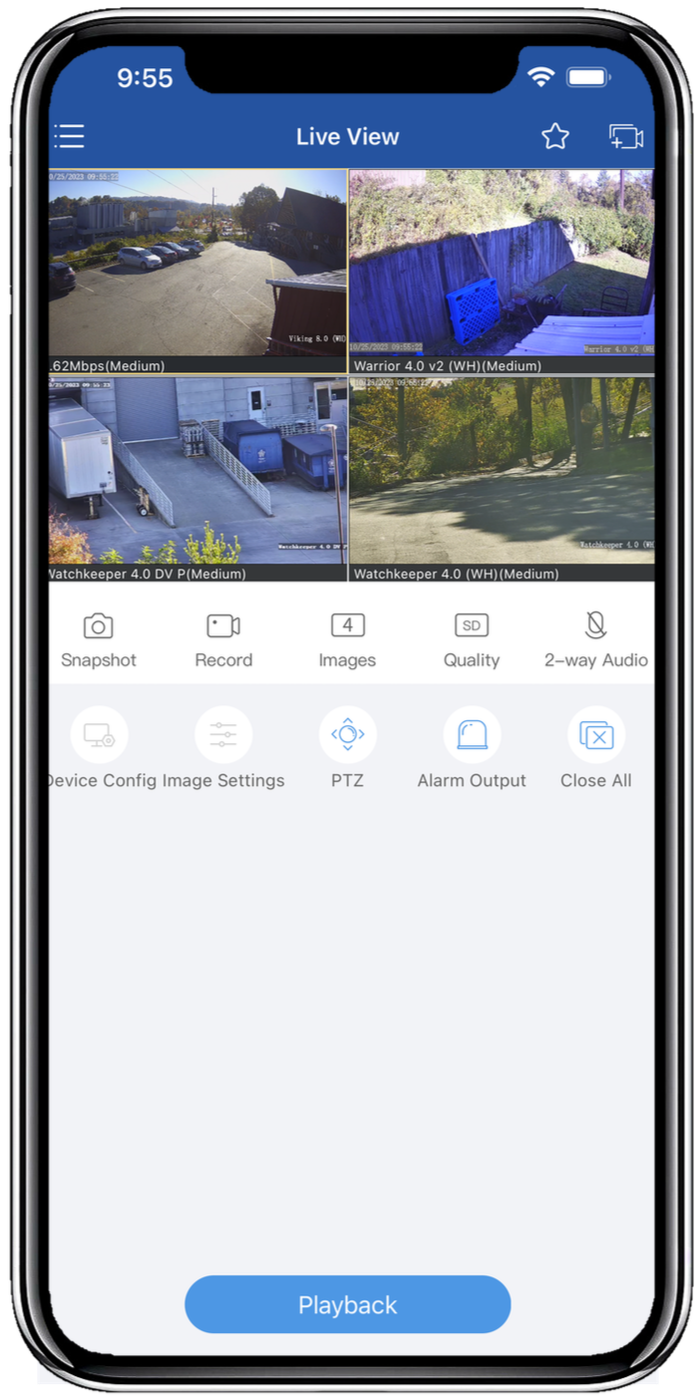
SCW Go - Ease of Use
SCW Go is easy to use and manage. It works with Star4Live service, so that you can scan the QR code on your NVR or log into your Star4Live Account to add your NCR’s to SCW Go.
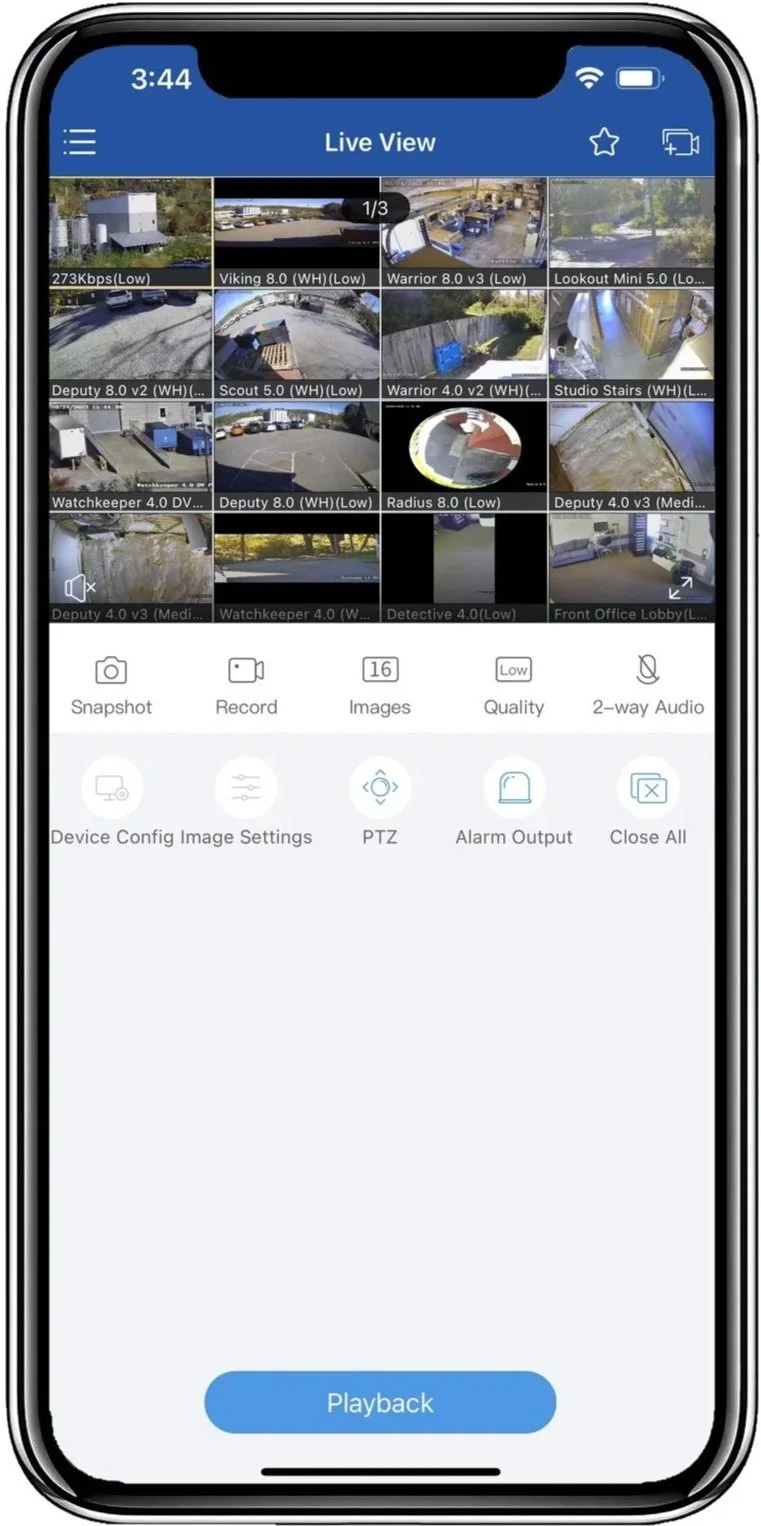
Single and Multi View Live Options
You can view 1 camera or all 16 Options in between. SCW Go creates Live View pages, so you can scroll back and forth between each camera of choice.
Double tapping cameras will enlarge the view.
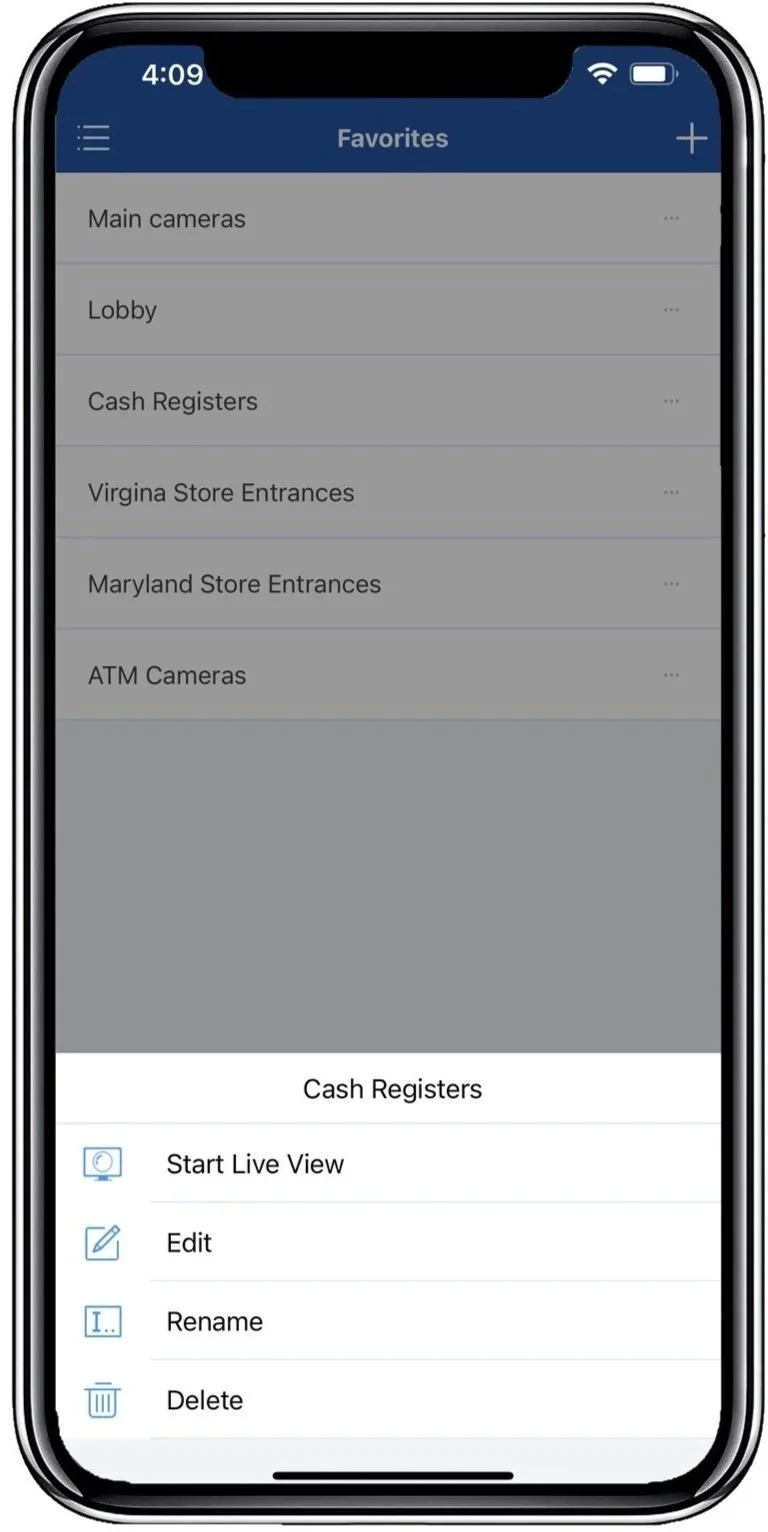
SCW - Saved Views
This feature allows you to create a custom view with cameras that you care about. To create a list, start by searching each camera name, tap ‘Start View’, and bring multi locations into the saved view. Once the grids have been placed in order, tap the star icon at the top to save the view and name it.
SCW Go Saved Views is a great feature to organize large systems or multi locations.
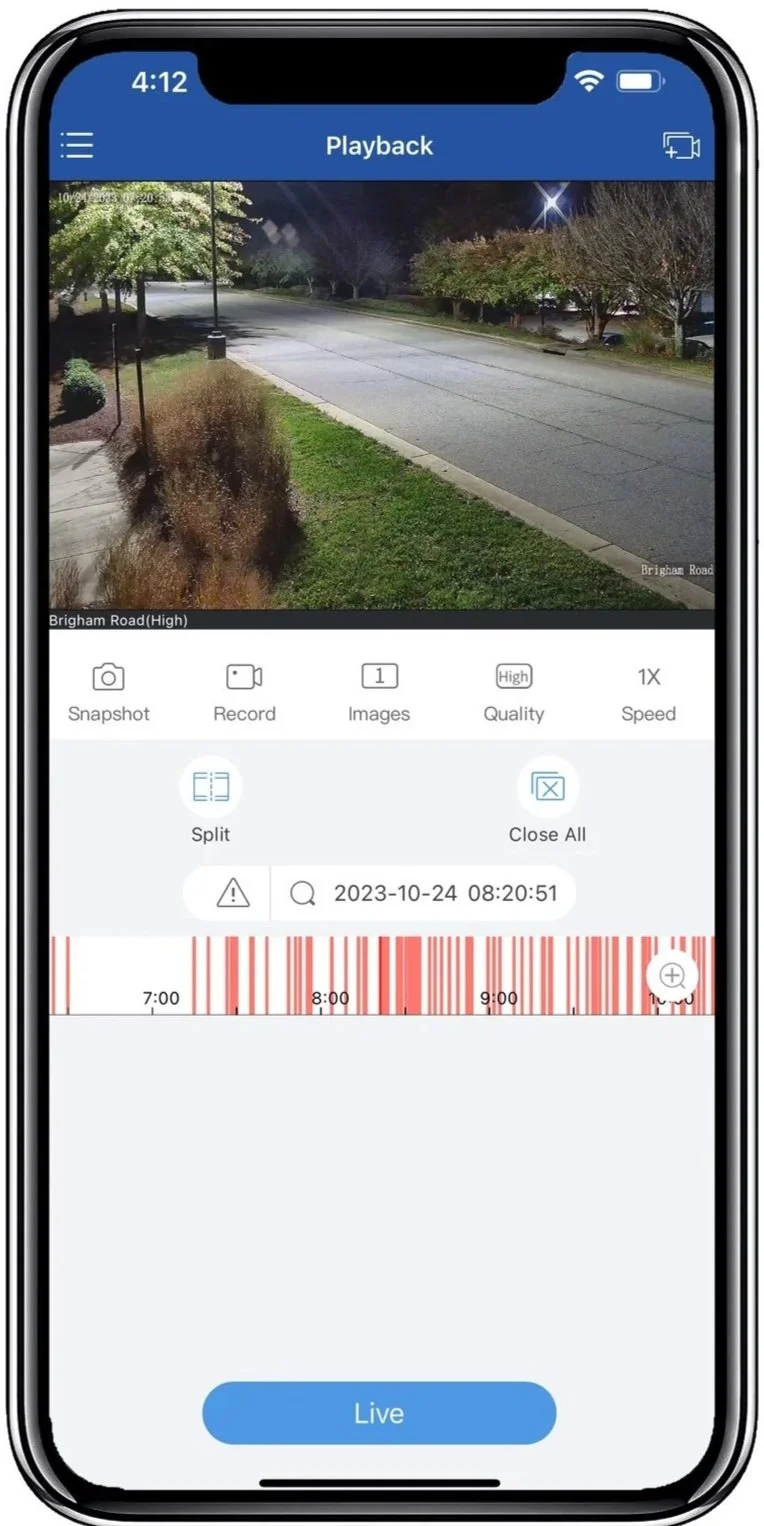
SCW Go Playback
You can easily review your recorded footage and even clip and share the footage directly from your phone.
Go into the app and select the camera you want to playback and then select the date and time you want to view.
You’ll see the timeline at the bottom of the screen. Drag your finger across the timeline to go forward or backwards, or speed it up.
Use pinch-to-zoom to digitally zoom in on the image to see better detail.
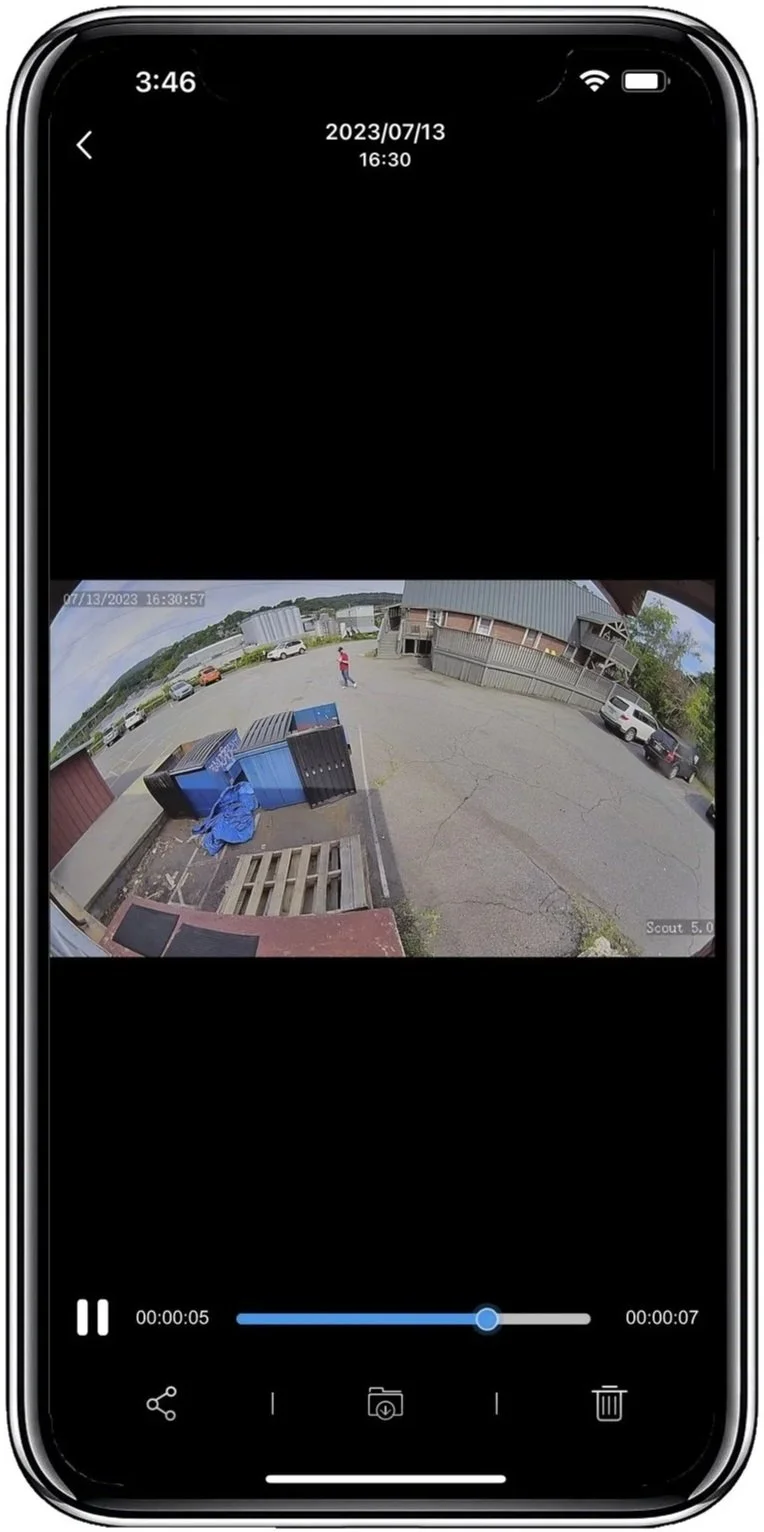
SCW Go
Incredibly easy to use and manage. Works with Star4Live services. You can scan the QR code on your NVR or log in to your Star4Live account to add your NCRS and SCW Go.